Integrated Project:
Solar Energy Calculator
Summary
The Solar Energy Calculator is a custom-developed ArcPy toolbox for ArcGIS Pro, designed to estimate historical solar energy based on high-resolution irradiance data retrieved from the CAMS (Copernicus Atmosphere Monitoring Service) API. It enables spatial analysis across a broad geographic domain extending from -66° to +66° latitude and longitude, covering Europe, Africa, the Middle East, and portions of the Atlantic Ocean. The toolbox supports solar energy assessments for any year between 2005 and the most recent complete calendar year.
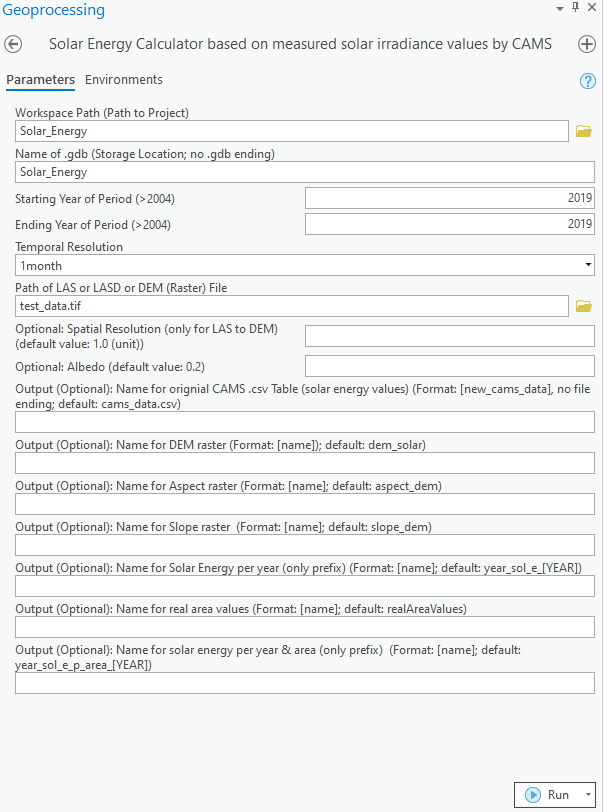
A key feature of the tool is its support for multiple temporal resolutions, including 1-minute, 15-minute, hourly, daily, and monthly intervals. Temporal resolution plays a critical role in accurately modeling shadowing effects, which are sensitive to variations in solar position and atmospheric conditions throughout the day. At finer resolutions, the toolbox dynamically calculates sun angles and shadowing, resulting in more realistic energy estimates.
Solar energy calculations are based on an isotropic sky diffuse model and incorporate both atmospheric parameters (i.e., CAMS irradiance data) and topographic influences extracted from a digital surface model, which may be provided as LiDAR (.las) files or in TIFF format. The toolbox produces a range of intermediate outputs, including slope, aspect, surface area adjusted for terrain, and irradiance tables. Final outputs consist of annual solar energy rasters, provided both as uncorrected values and as slope-corrected energy per unit surface area (pixel). These outputs raster are available as global, direct, diffuse, and reflected irradiance components.
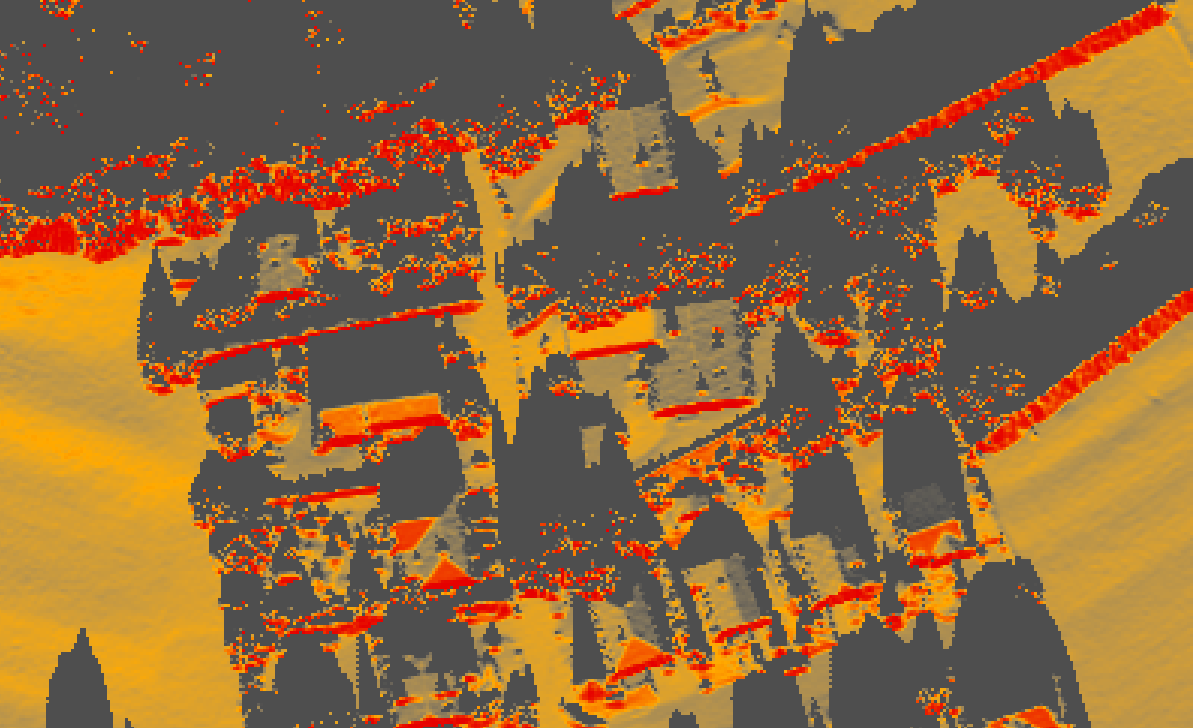
From a technical perspective, the toolbox is written entirely in Python using the ArcPy library and is designed to operate within a dedicated ArcGIS Pro conda environment. Access to CAMS data requires installation of the cdsapi Python package and proper configuration of API credentials.